 Omnoti
Get started
Omnoti
Get started
For chambers, chapters and boards
A directory for groups that meet now and then.
A chamber breakfast, a chapter mixer, a quarterly board meeting. The gaps between them are long enough to lose every name you learned at the last one. Omnoti keeps a photo directory of the membership, teaches the names a few at a time, and gives everyone a short round before each event.
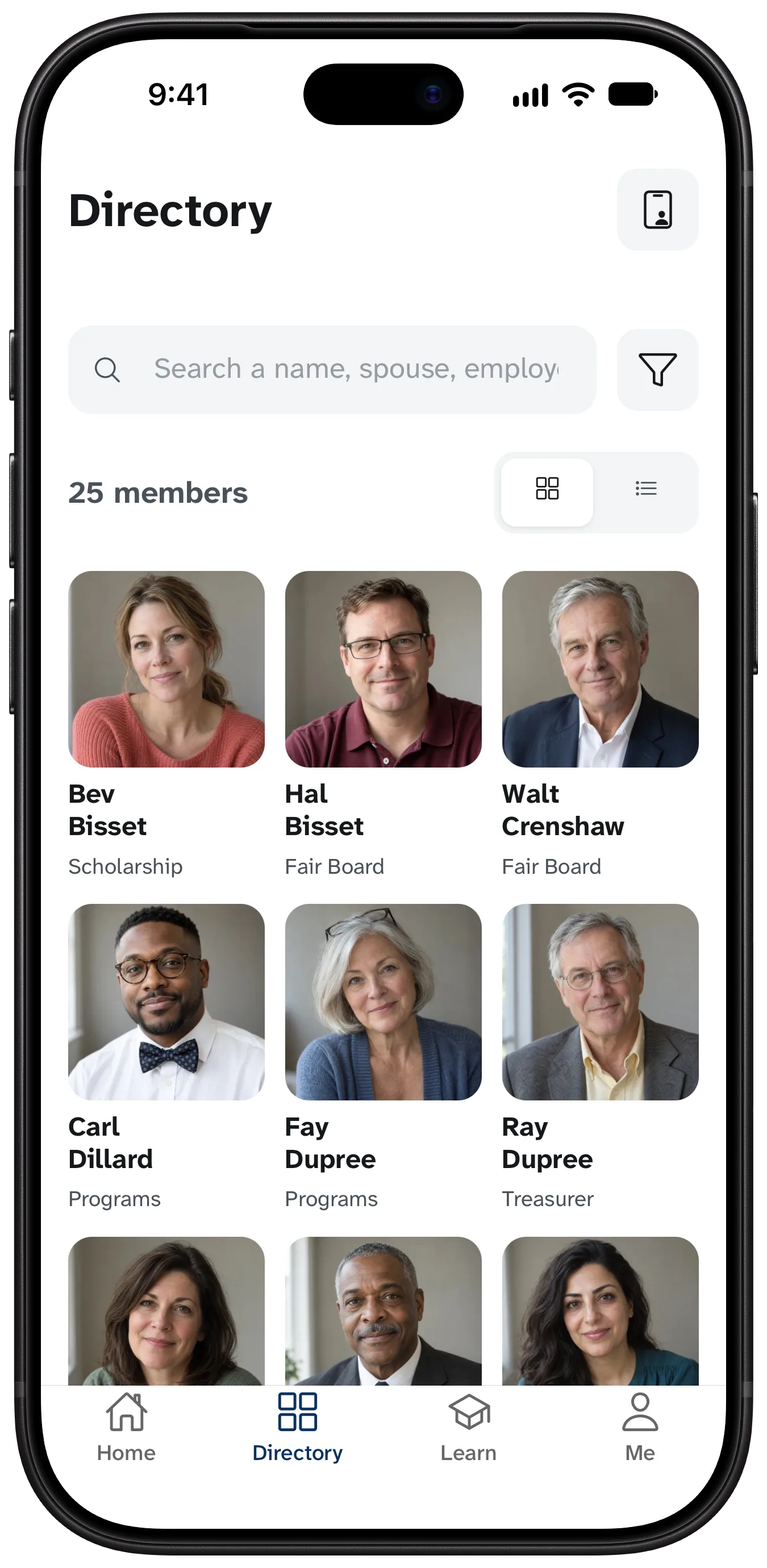
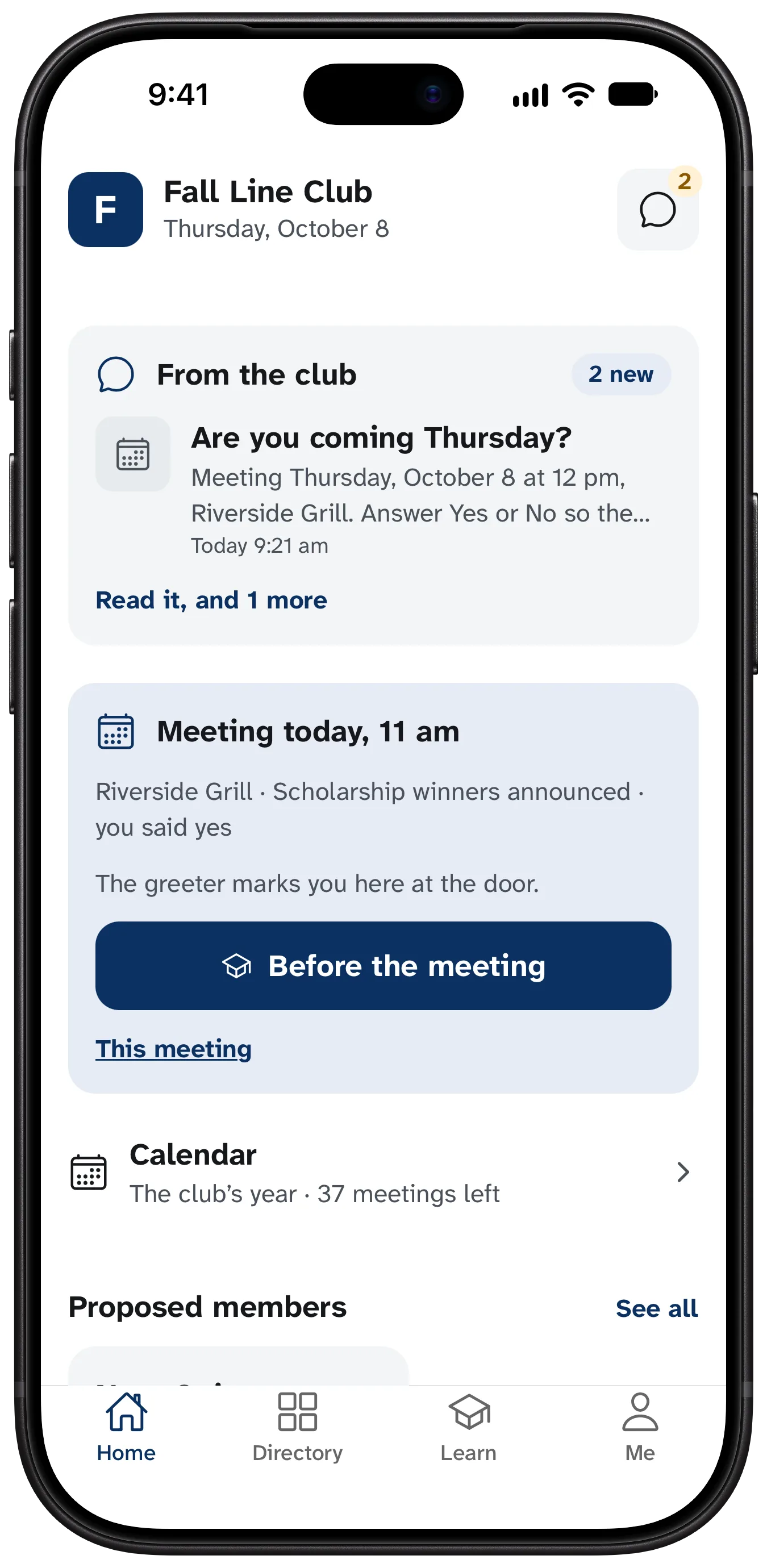
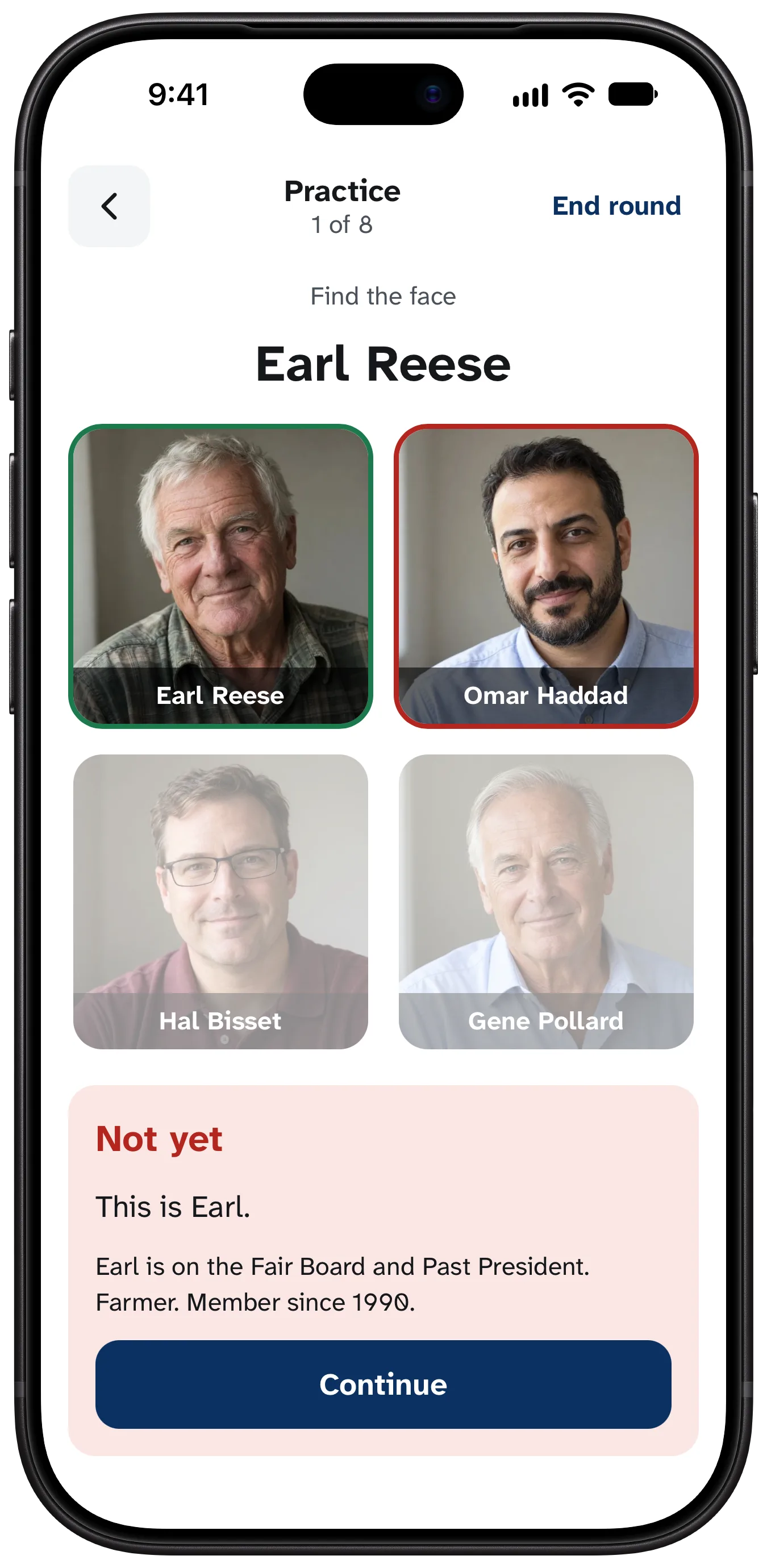
Members come for the people.
They renew when the room feels like theirs, and it starts to feel that way when people greet them by name. Omnoti shows whoever runs membership each newcomer and how many members already know them.
It fits a group that doesn’t meet every week
Set a schedule, or none, and add events as they come.
From a spreadsheet
Upload the member list you have. Every row is shown to you before anything is saved.
Events and headcounts
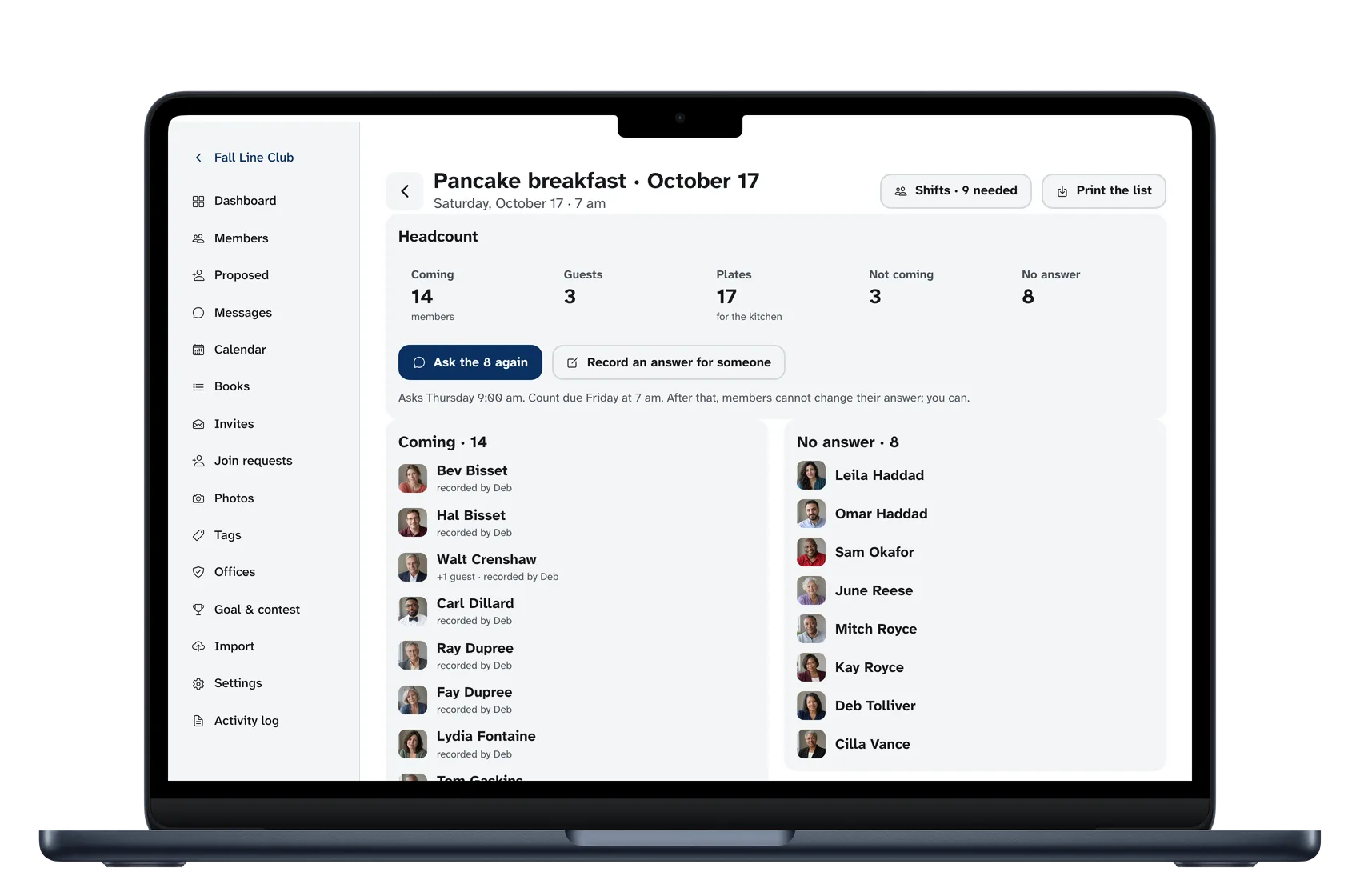
A breakfast, a mixer, an annual meeting. Members answer with one tap and you see the count.
Committees and offices
You name them. The right to run the roster belongs to an office, so a new chair takes over with one change.
Dues
Who is current, for whoever keeps the books. Members see only their own.
What members ask first
“Is it doing anything with my face?” No. Photos are stored and shown, and nothing is ever computed from them.
“Who sees my phone number?” Whoever you choose. Phone, email, address and birthday each have their own setting.
“Is there a leaderboard?” No. What you miss is yours alone.
Start with the roster you have.
Ten minutes with your own spreadsheet, and nothing is saved until you have seen every row. Questions go to hello@omnoti.com.
Omnoti is independent. It is not affiliated with or endorsed by Toastmasters International or any chamber, association or school.