 Omnoti
Start your club
Omnoti
Start your club
How it works
Two people decide whether a club adopts anything: the member who has to use it and the secretary who has to run it. Here are their first ten minutes.
A member’s first ten minutes
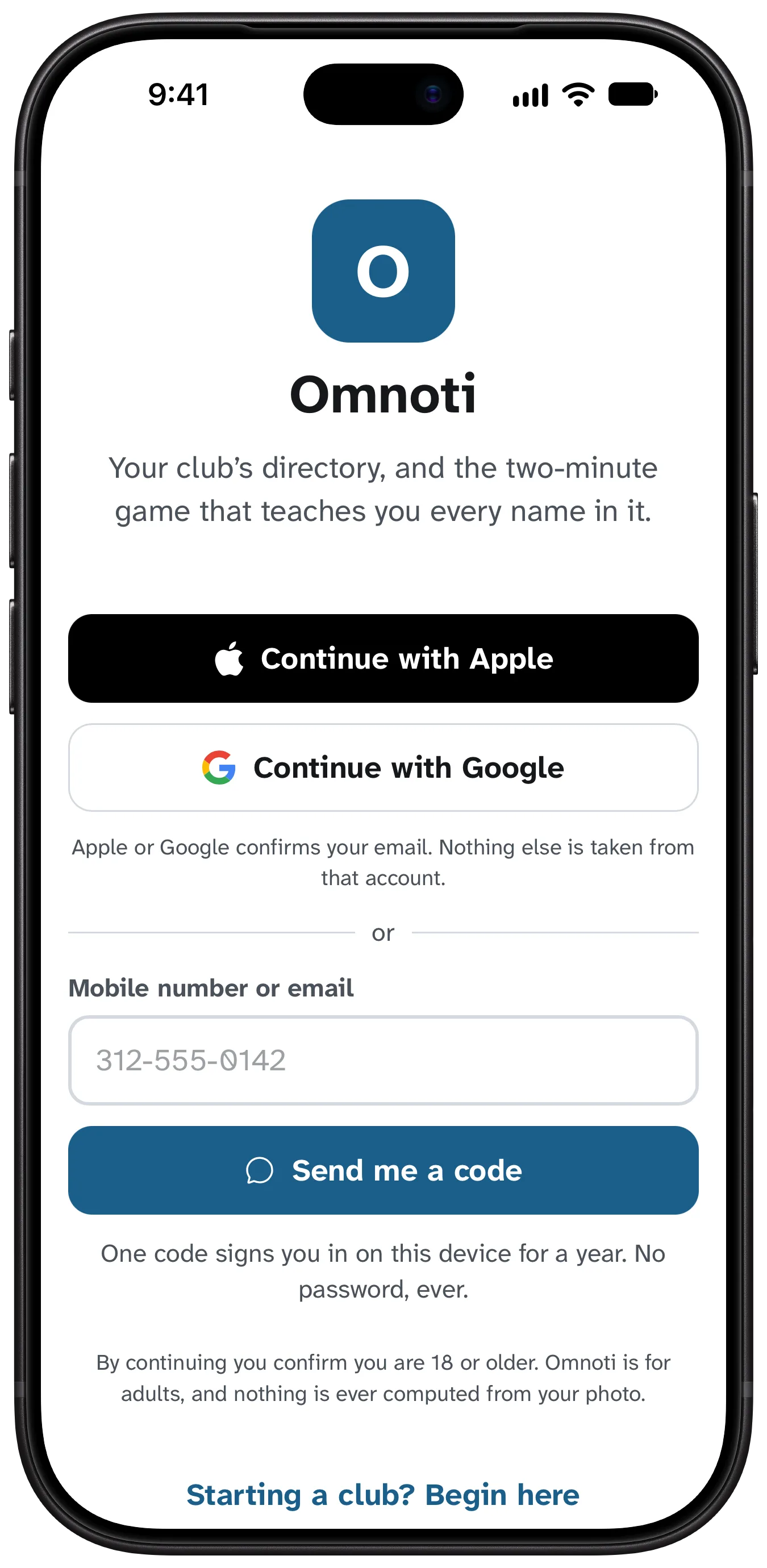
A link, a code, you’re in
Your secretary invites you, by an email from Omnoti or a text from their own phone. You tap the link, type the six-digit code, and you are signed in for a year. No password to make or forget.
Who can see what
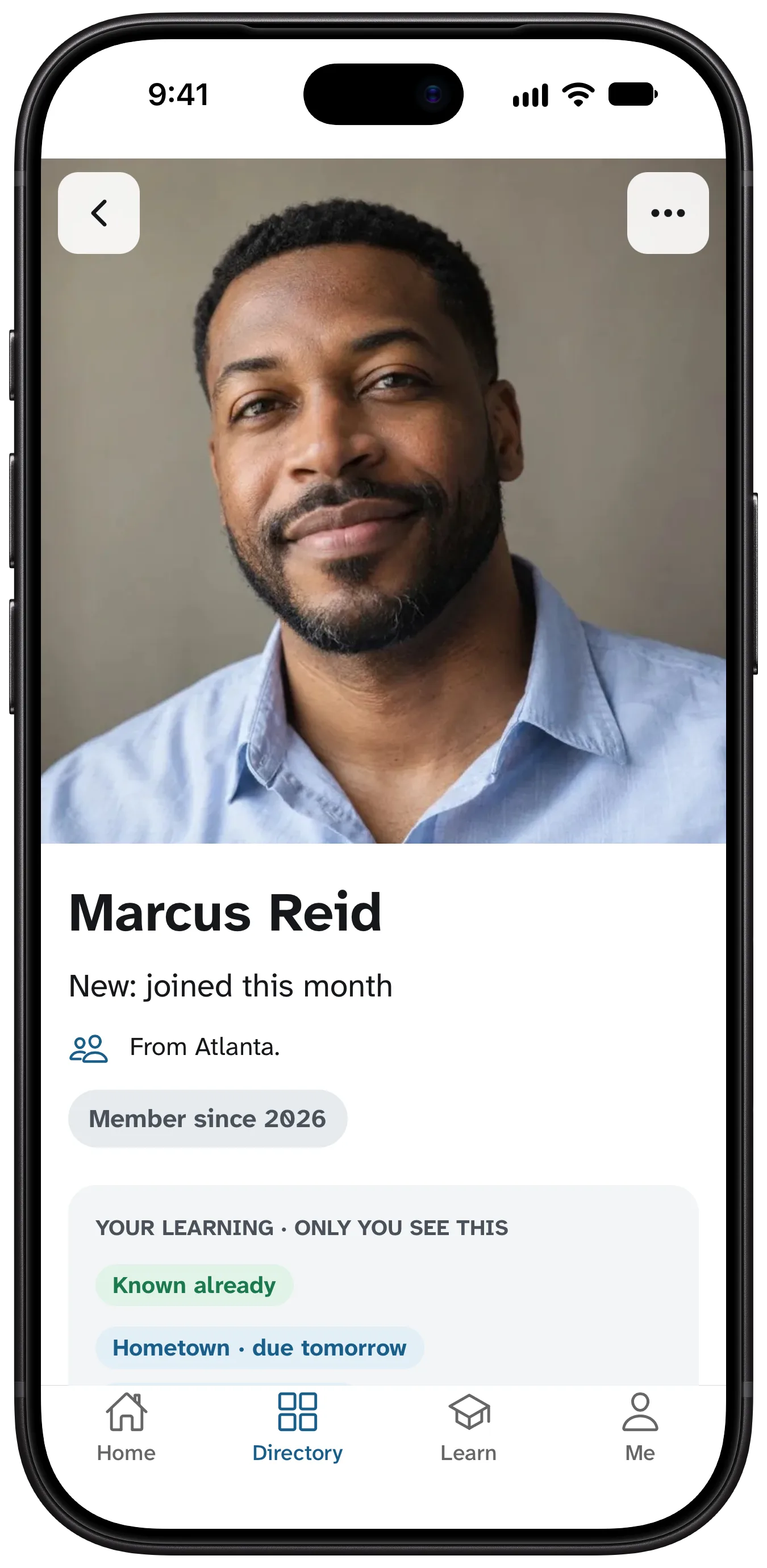
Before anything else, you choose: your phone, email, address and birthday each to the club, officers only, or just you. You can change it any time.
Your photo and your hook
A clear face, taken now or chosen from the roll. One line about you: “Retired fire chief. Ask me about the 1990 fair.” That line is what makes your name stick for others.
Who you already know
Tap the faces you could name today. They are skipped; the game spends your time on the rest.
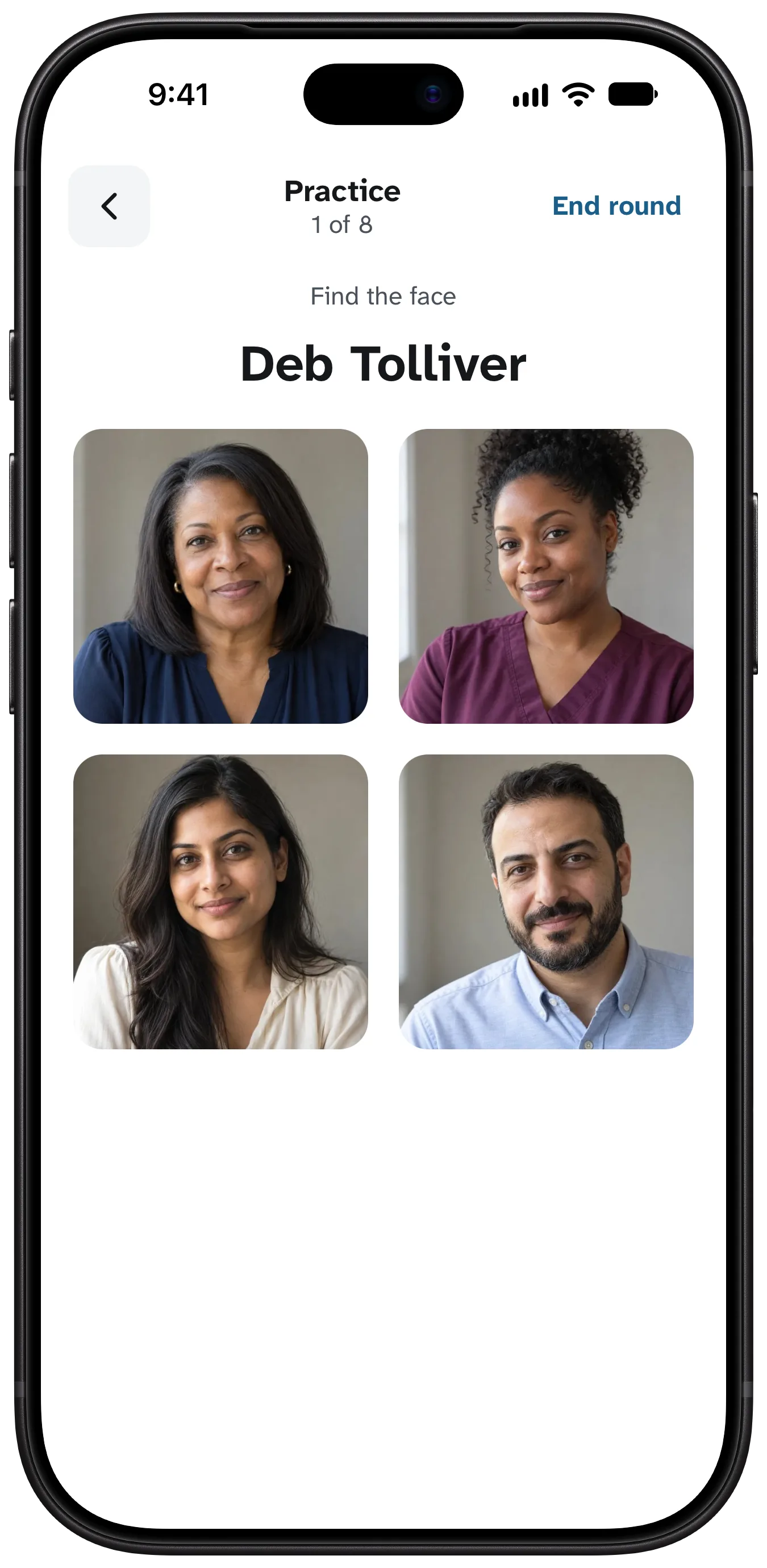
The first round
Ten faces. Who’s this? Four names, all plausible. Miss one and the right name stays on screen. Two minutes.
Then, only when it helps
A name comes back right before you would forget it, and on meeting mornings one notification says who you’ll see today. That is the only push the app sends on its own.
A secretary’s first ten minutes
Start the club
Your name, the club’s name, the parent body, and when you meet. The meeting schedule drives the reminders, the headcount and the game.
Spreadsheet in
Drop in the roster you have, DirectorySpot’s export included. Columns are mapped, names cased, numbers and emails normalized, duplicates caught, every row shown before saving.
Who holds which office
Secretary, president, membership chair. Rights belong to the office; the handover next year is a change of holder.
Invites out
One tap emails everyone their link; for a member with only a mobile you get the words to text from your own phone. The invites page shows who opened, who signed in, and reminds the rest in one tap.
Photo day
Pick a meeting and a helper. Two minutes per member at the door, matched to the roster by name, never by face. Or members add their own.
Then, every week
A notice or recap to the club, the meeting headcount, the fundraiser’s shifts, a proposed member, the printed directory. Each is a page on the laptop view.
See it with your own roster.
Start the club and import the spreadsheet yourself; nothing is saved until you have seen every row. A question first? hello@omnoti.com is a person.