 Omnoti
Get started
Omnoti
Get started
For whoever keeps the roster.
A club secretary, a church office, someone in HR, the one volunteer with the spreadsheet. You keep the list, you get everyone signed up, and one day you hand the whole thing to whoever comes next. Omnoti makes each of those jobs smaller.
What it takes off your plate
From your spreadsheet to everyone’s phone
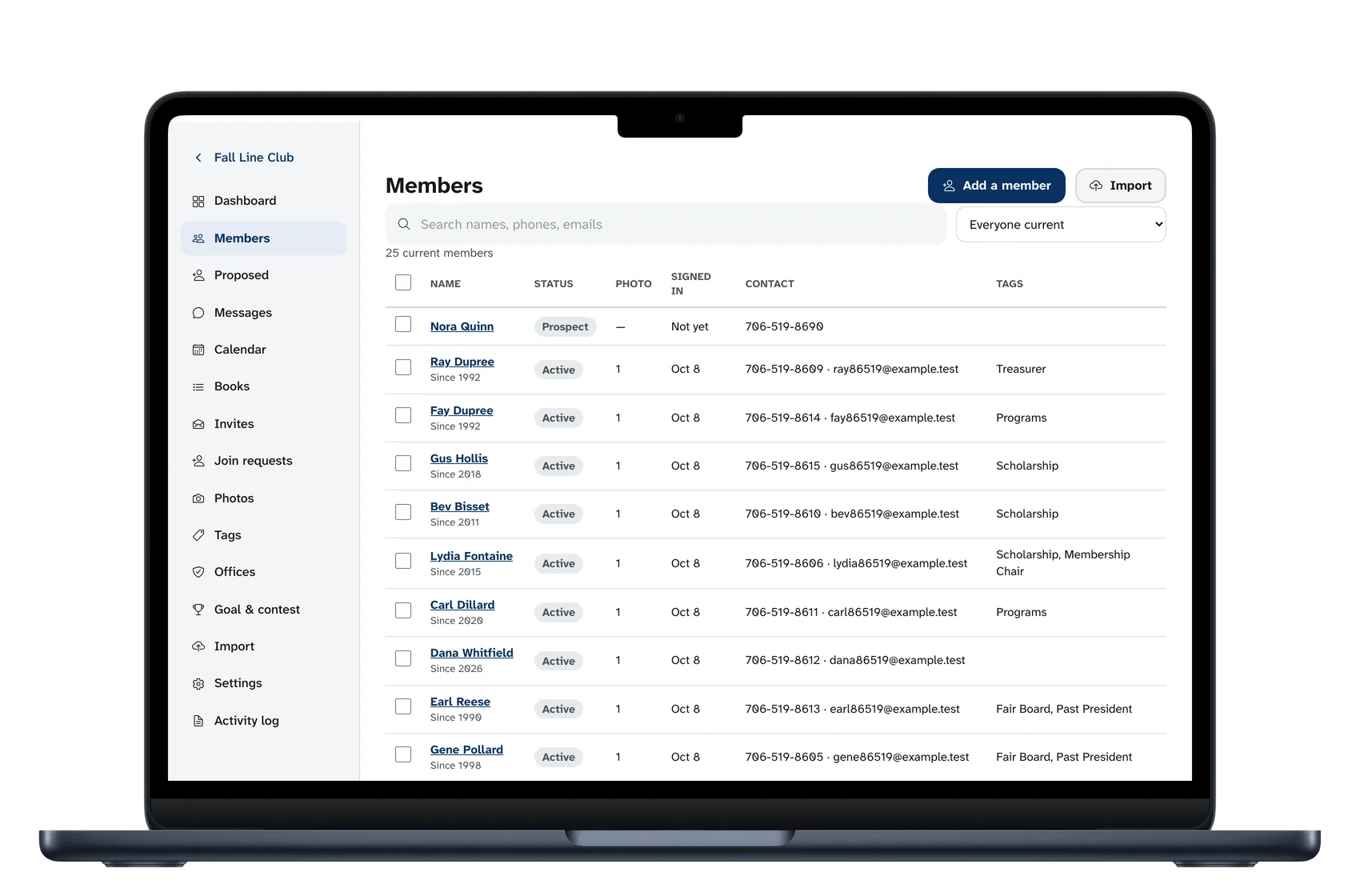
Upload the list you have. Omnoti straightens names and phone numbers, catches duplicates, and shows you every row before it saves anything. One tap emails the invites. For a person with only a phone number, Omnoti writes the text message and you send it from your own phone. Afterwards you can see who has signed in and nudge the rest.
Photo day
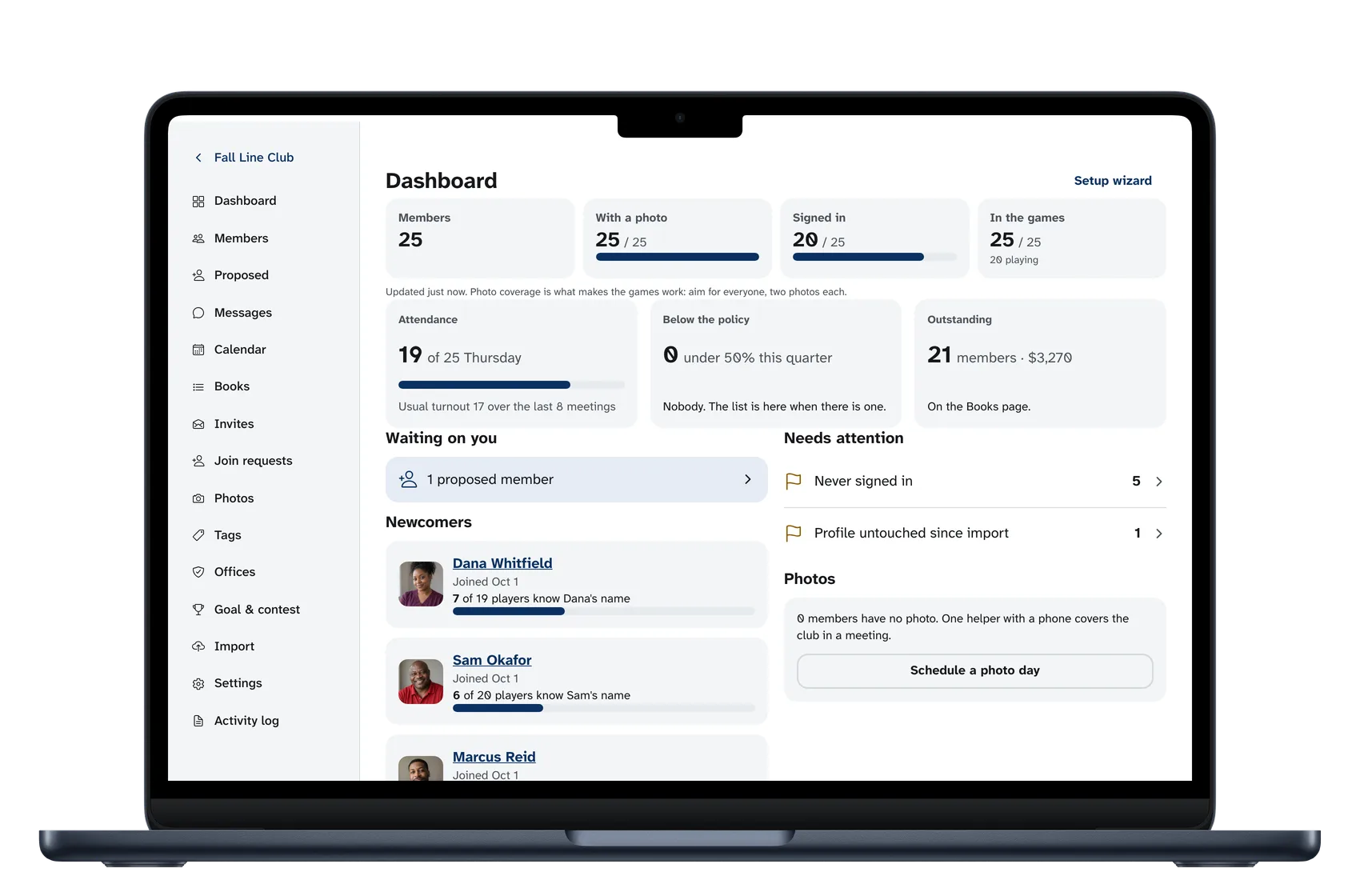
Pick a day when people are in one place, and a helper. The helper gets the photo page and nothing else. It takes about two minutes a person at the door, and your dashboard shows how far along you are. People can add their own photos too.
Messages that reach people
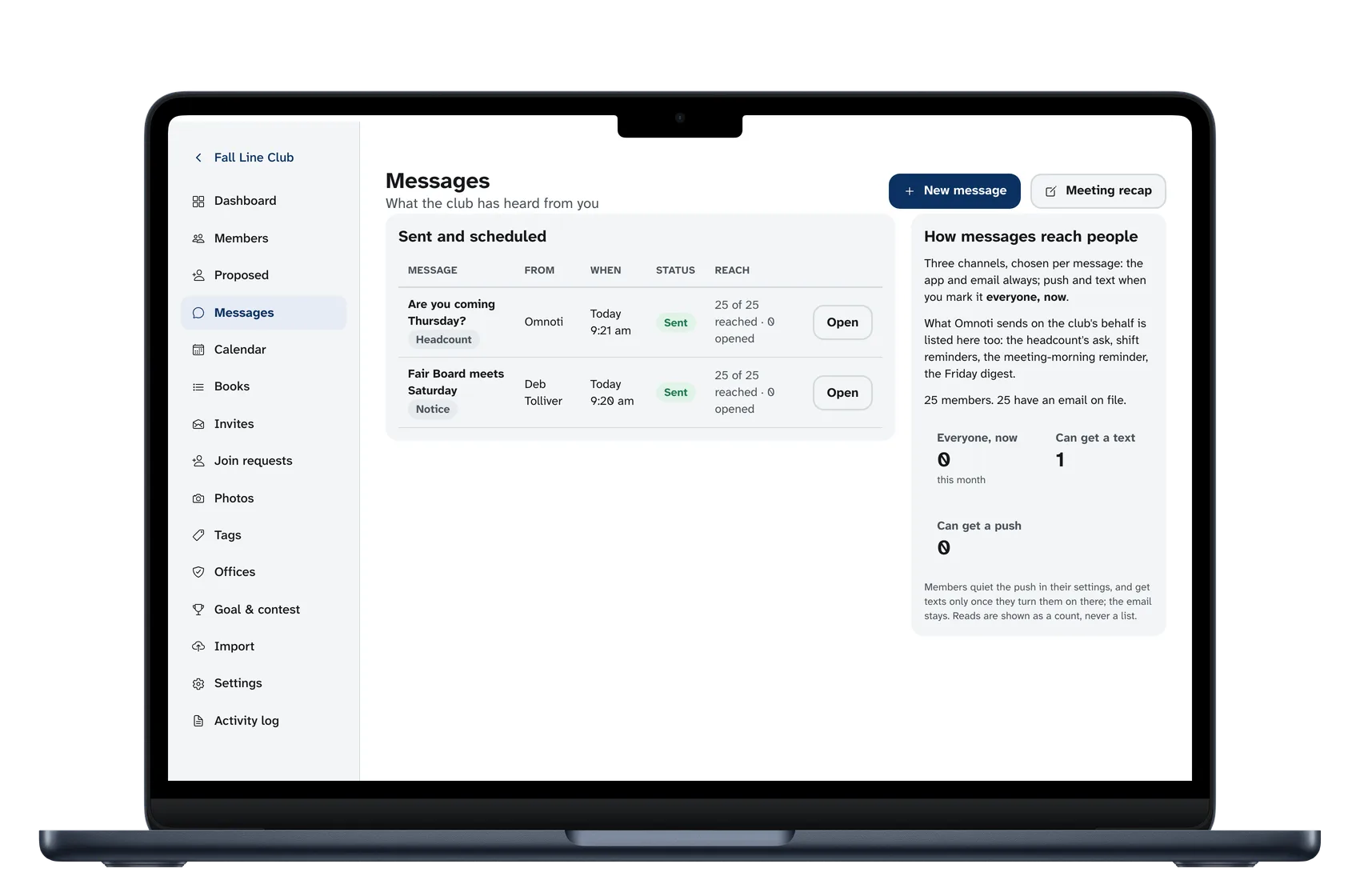
A notice goes to the app and to email. Mark it “everyone, now” and it goes to phones as well. You see how many people it reached, and you can send it again to those who have not opened it.
A printed directory, still
One click makes a PDF with the photos, showing only what each person chose to share. It is for the people who will not install an app. They get the Friday email too, so they are not left out.
Each newcomer, and who knows them yet
Your dashboard lists each new person and how many people already know their name, so you can see who still needs introducing.
When you hand over the job
The right to run the roster belongs to an office, under whatever title your group gives it. The next person takes the office and everything comes with it. There is no password to pass along.
For the groups that have them
A club uses most of these. Each is there if your group uses it, and out of the way if it doesn’t.
A count for the kitchen
Two days before a meeting or a dinner, people are asked whether they are coming and answer with one tap. You and the kitchen see the number.
Shifts
Set up the stations and shifts for the fair, the workday or the breakfast. People sign up on their phones and get a reminder that morning. You see the gaps early, and you can print the schedule.
Attendance
A greeter marks who is here at the door. Each person sees their own record, and the group sets the policy it is counted against.
Proposed members
For a club that votes people in: a proposed member is seconded, voted on, recorded and then invited. Nobody appears in the directory before they are a member.
Dues
Who is paid up and who is not, for whoever keeps the books. People see only their own.
Committees, teams and groups
Tag people by committee, team, location or class, and everyone can browse the directory that way.
Start with the roster you have.
Upload your spreadsheet, and nothing is saved until you have looked at every row. If your list is in DirectorySpot today, export your contacts and bring the file as it is. More on moving →