 Omnoti
Get started
Omnoti
Get started
For companies and teams
Learn your coworkers’ names.
A new hire meets thirty people in the first week and keeps four names. Everyone else stopped asking after the second time. Omnoti is a photo directory of the whole company, with a two-minute round that teaches the names for good.
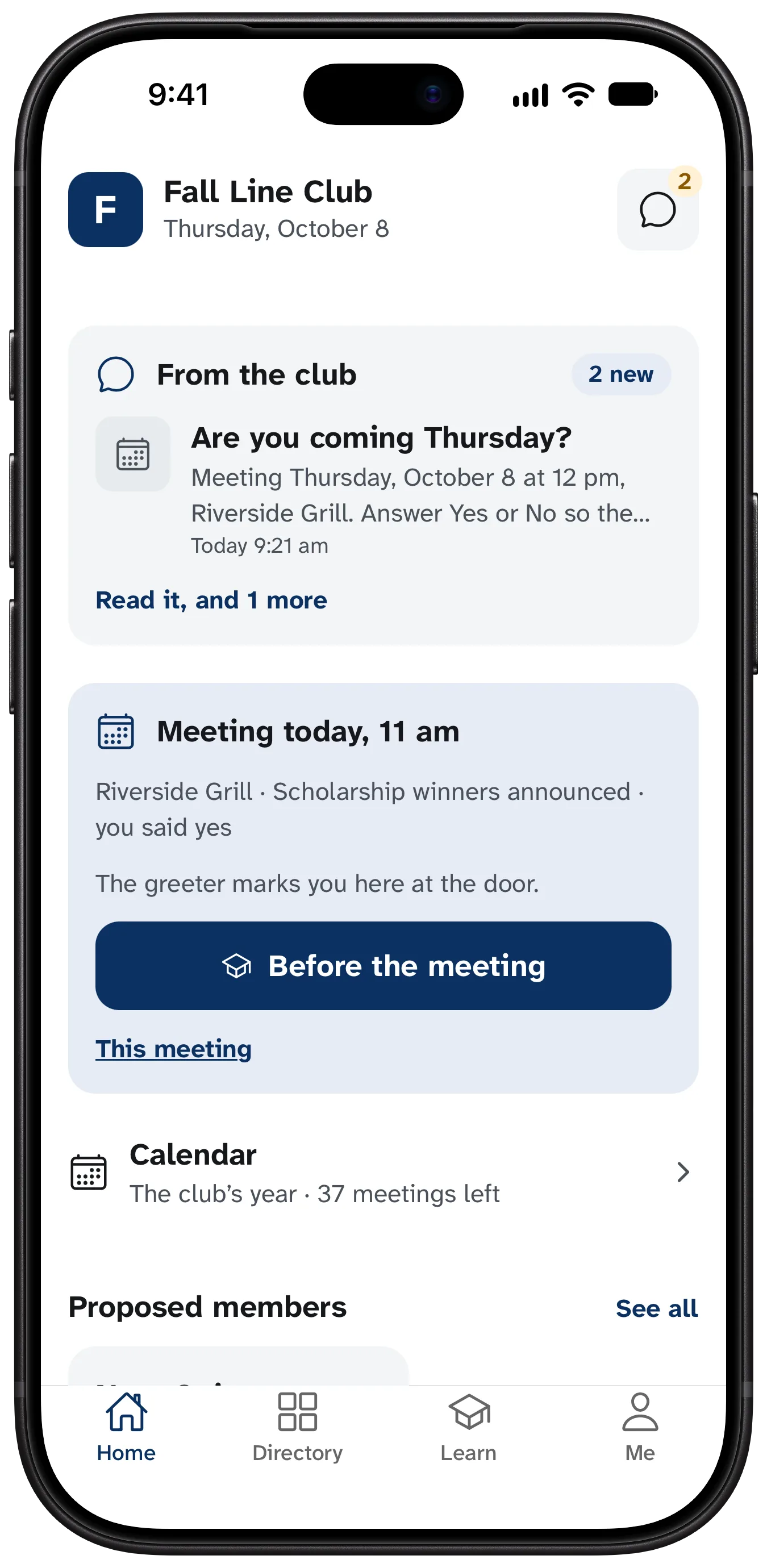
A new hire’s first month is mostly names.
The org chart says who reports to whom. It is no help in the hallway. A short daily round is: a face, four names, and when you miss, the right answer with one line about the person. Faces come back on a schedule, just before you would forget them.
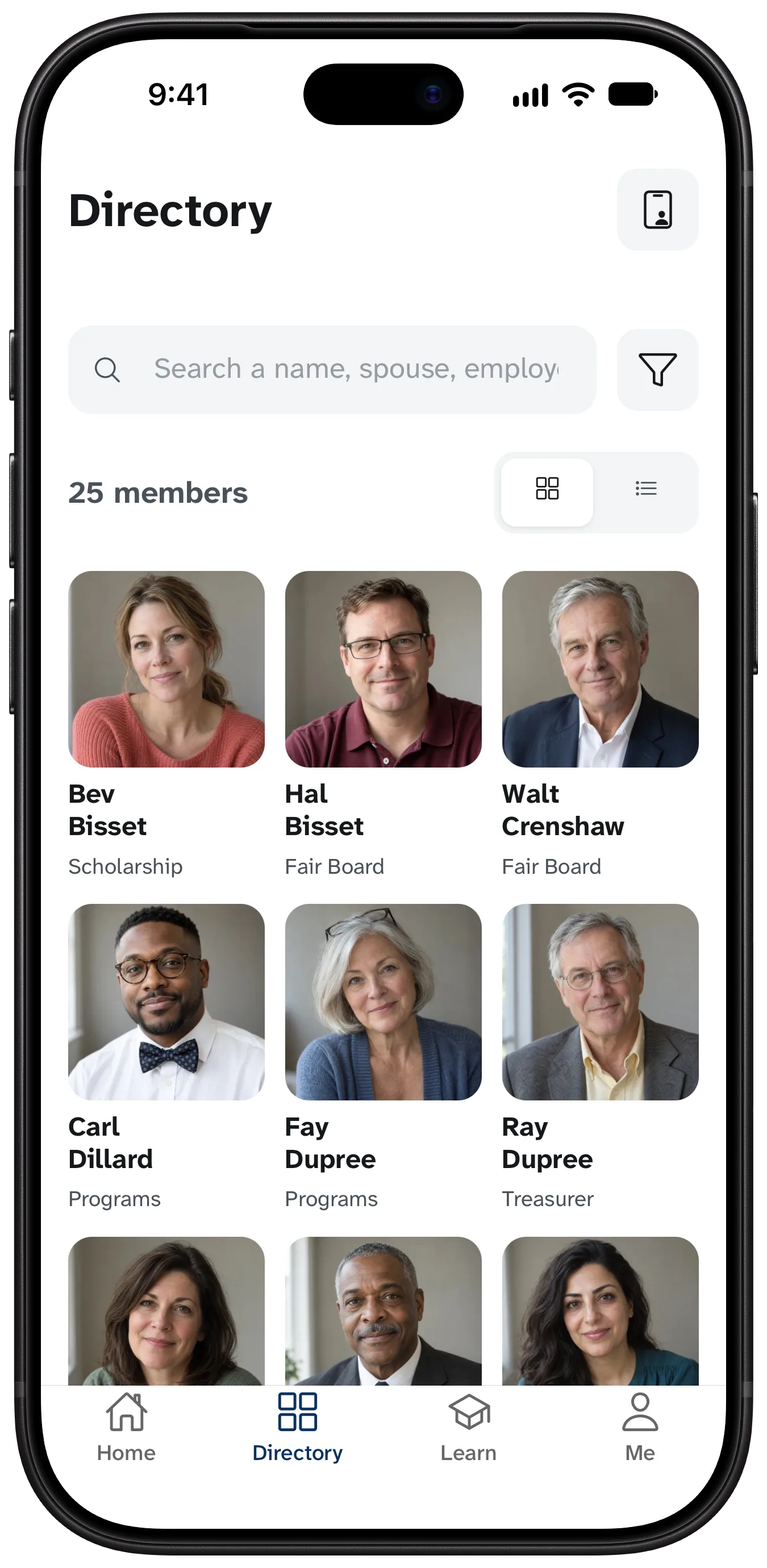
Everyone, with a face
Photos, names, roles and teams. Browse by team, or search for what someone does.
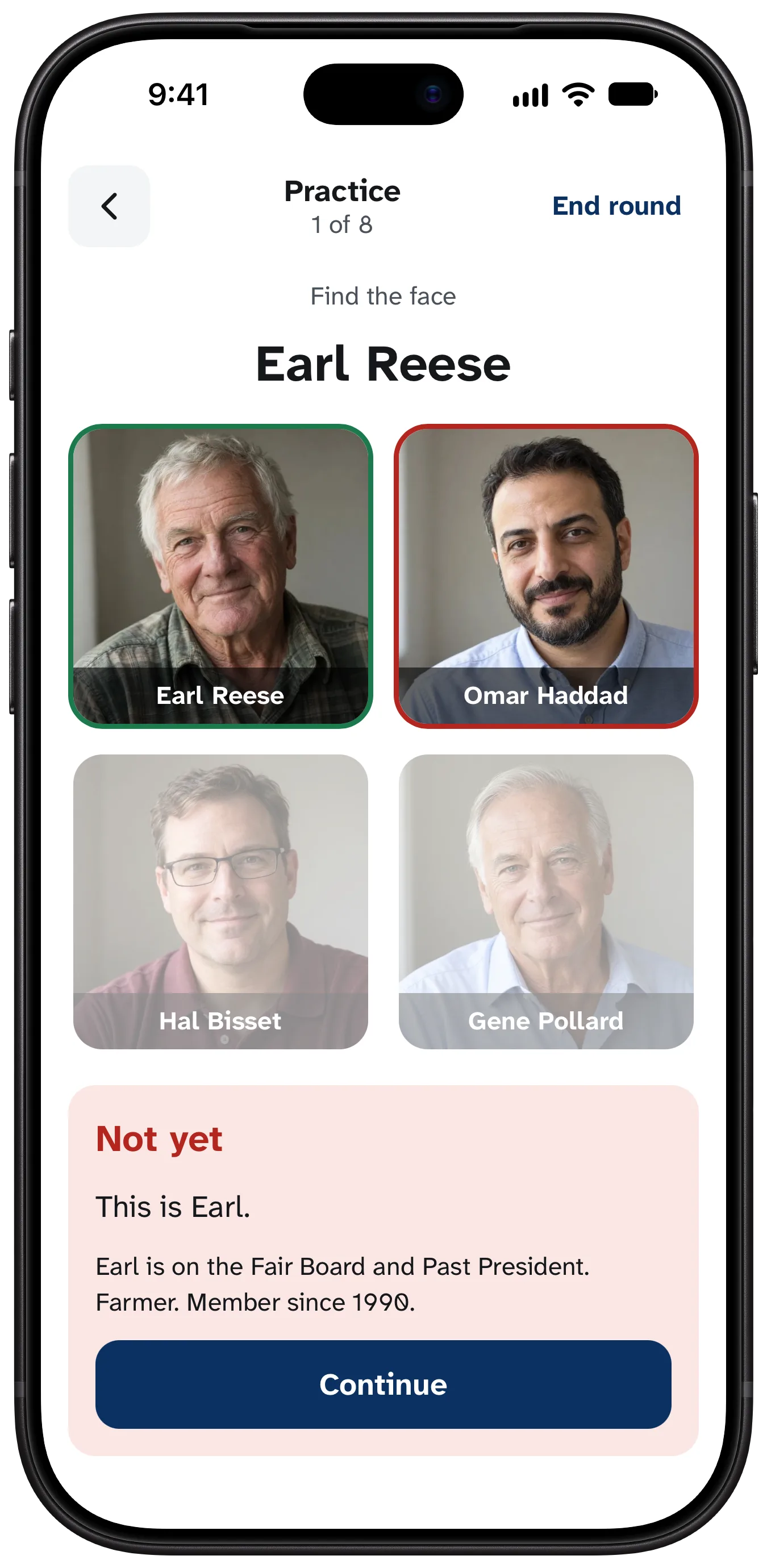
Two minutes a day
Multiple choice at first. Later a hard round asks you to type the name, the way you would have to say it.
Simple to run
One person with a spreadsheet can have it going today, for a team of twelve or a company across several offices. There is no integration to set up and no sales call.
From a spreadsheet
Export names and emails from wherever you keep them. Omnoti shows you every row before saving, then sends the invites.
Teams and roles
Tag people by team, office or anything else, and browse the directory that way.
New people, a few at a time
Each round introduces a few new faces alongside the ones due for review, and you can see how many people already know each newcomer.
No meetings required
The headcounts and meeting reminders exist for clubs that meet. Set no regular meeting and you never see them.
One admin, or several
Whoever runs it, in HR or the front office, sees who has signed in and who still needs a photo. The right to run it belongs to the role, so handing it to someone else is one change.
Notices
A message goes to the app and to email, and you see how many people it reached.
What people ask first
“Does it use face recognition?”
No. Photos are stored and shown, and nothing is ever computed from a face.
“Who sees my mobile number?”
Whoever you choose. Each contact detail has its own setting.
“Is there a leaderboard?”
No. Each person sees only their own progress.
Start with the list you have.
A spreadsheet of names and emails is enough. Questions go to hello@omnoti.com.